English
 German
 Spanish
 French
 Turkish
Hassle-free reporting and transactions management
Every payment, conversion, withdrawal and fee across all coins and networks in one place — searchable, filterable and exportable. Refund, resend a webhook or trace a transaction on-chain from the same screen, without operational overhead.
Get Started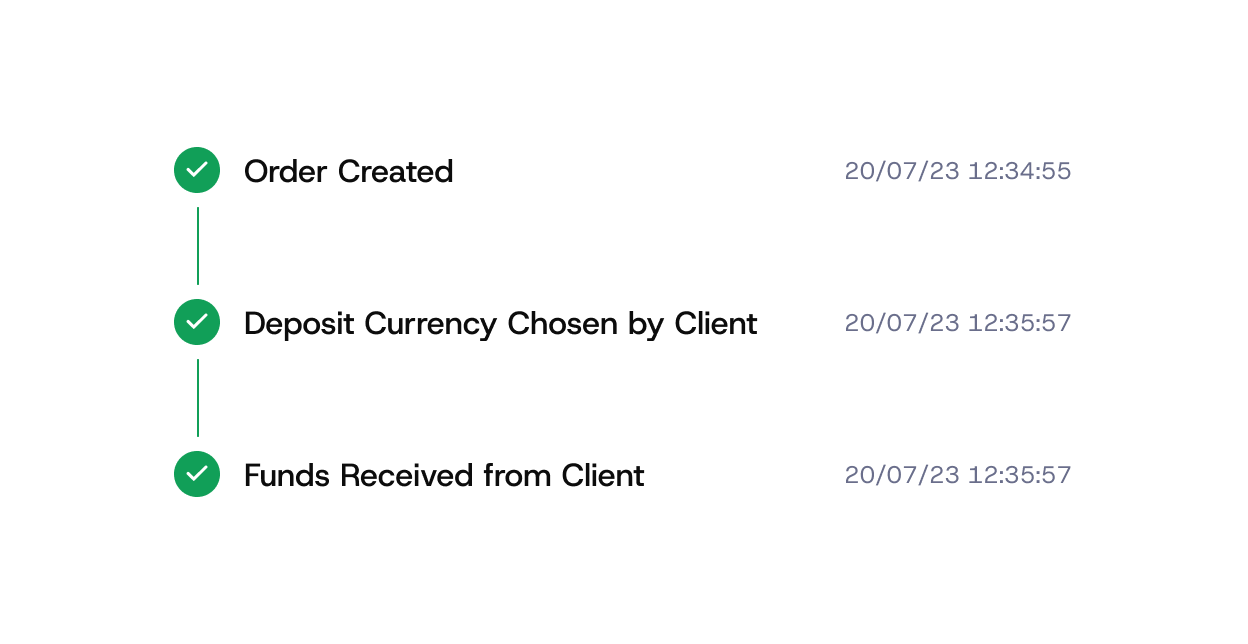
Who it is for

Finance
Month-end close from an export instead of a block explorer: balances, movements and fees per asset with fiat values.
Support
Find a customer's payment by order id, address or transaction hash in seconds and act on it.
Management
Volume, acceptance and settlement at a glance, by coin, network, period or product.
How it works
Reporting is part of every merchant dashboard; no setup is needed. Exports and API access follow the permissions of the user's role.
-

Everything lands in one ledger
Deposits, conversions, withdrawals, payouts and fees are recorded as they happen, with fiat value at the time of the event.
-

Filter and search
By period, coin, network, status, amount, order id, address or hash. Save the views you use every day.
-

Act on a transaction
Refund, resend a webhook, add a note or open the on-chain record — from the transaction itself.
-

Export and reconcile
CSV exports and API access for your accounting system; every line carries the ids you need to match it to an order.


Dashboard
Volumes, balances and settlement across all assets, updated in real time.
Transactions
Full history with status, network, fees, conversions and fiat equivalents.
Actions
Refunds, webhook replay, notes, on-chain links, invoice status changes.
Exports
CSV per period or filter; API endpoints for the same data.
Alerts
Notifications for large payments, failed webhooks and settlement events.

24/7 live human support
Real people around the clock — for onboarding, integration questions and anything that happens in production. No ticket queues, no bots.
Auto conversion for deposits and withdrawals
Eliminate exposure to market volatility by automatically converting deposited and withdrawn coins into the chosen asset.
Advanced role and permission management
Advanced role management with fully customizable approval and signature rules — teams define who can do what, when, and under which conditions. Security flows that match internal policies, governance models, and risk frameworks.
Custom checkout and invoice constructor
Fully customizable checkout experience and invoices built to match business requirements and brand identity.
Flexible fee management
Full control over who covers transaction fees, the business or its clients.