English
 German
 Spanish
 French
 Turkish
Auto conversion for deposits and withdrawals
Accept 300+ cryptocurrencies at checkout and never hold a coin you did not choose. Auto conversion turns every deposit — and every withdrawal — into your chosen asset the moment it settles, so a $100 order is worth $100 when it reaches your balance.
Get Started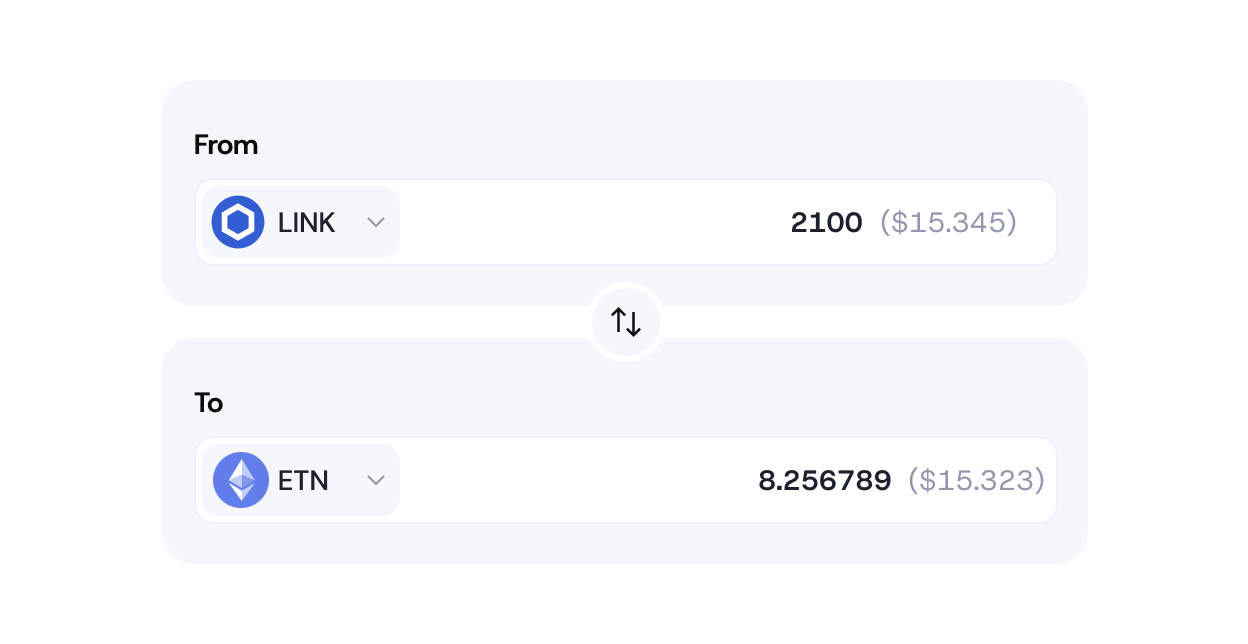
Who it is for

Merchants who price in dollars
You quote in USD or EUR and want revenue to stay there. Convert everything to USDT, USDC or fiat and forget about exchange rates.
iGaming and forex operators
Players deposit in whatever they hold; your treasury sees stablecoins. Withdrawals are converted back on the way out.
Finance teams
One asset on the balance sheet instead of dozens. Reconciliation, reporting and tax become a single column.
How it works
Auto conversion is a setting in the merchant dashboard under Balances: choose the target asset and which currencies and directions it applies to. Changes take effect for the next payment; no code changes are required.
-

Choose the target asset
Pick USDT, USDC, another supported coin or fiat as the asset you want to hold. You can set it per account or per currency.
-

Customers pay in anything
At checkout the customer picks from 300+ coins and any supported network. Nothing changes on their side.
-

We convert at settlement
Once the payment confirms on-chain we convert it at the current rate and credit your balance in the chosen asset. No manual swap, no waiting.
-

Withdrawals convert on the way out
Pay a customer or partner in the coin they want; the amount is taken from your stable balance and converted at send time.


Target assets
USDT, USDC and other supported coins, or USD/EUR fiat settlement to your bank account.
Scope
Account-wide, or per incoming currency — keep BTC as BTC and convert everything else, for example.
Direction
Deposits and withdrawals, independently configurable.
Rate
Market rate at the moment of settlement; no rate lock on your side is needed because conversion happens after confirmation.
Reporting
Every conversion is a separate line with source amount, rate and result, exportable from the dashboard.
24/7 live human support
Real people around the clock — for onboarding, integration questions and anything that happens in production. No ticket queues, no bots.
Advanced role and permission management
Advanced role management with fully customizable approval and signature rules — teams define who can do what, when, and under which conditions. Security flows that match internal policies, governance models, and risk frameworks.
Custom checkout and invoice constructor
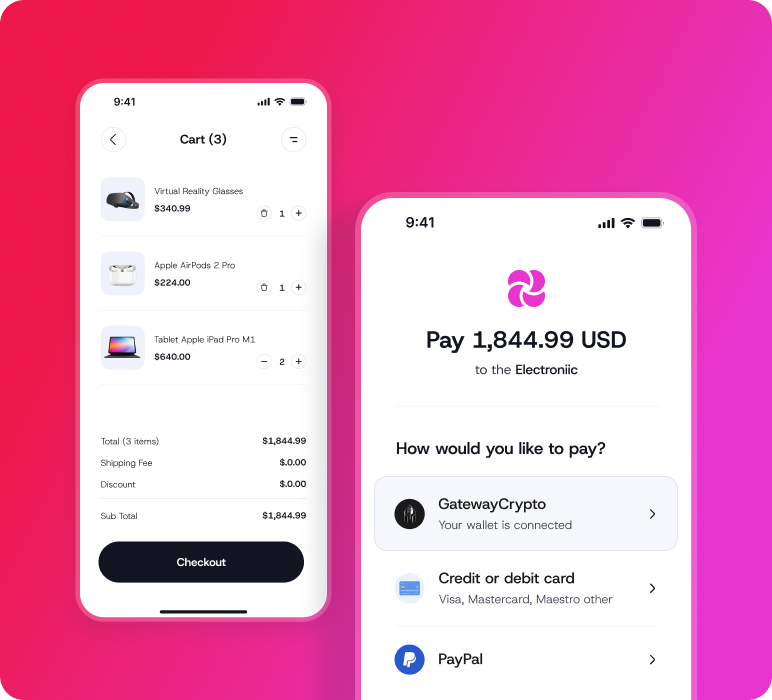
Fully customizable checkout experience and invoices built to match business requirements and brand identity.
Hassle-free reporting and transactions management
All the information and reporting tools in one place, with full control over transactions without the operational overhead.
Flexible fee management
Full control over who covers transaction fees, the business or its clients.