English
 German
 Spanish
 French
 Turkish
Flexible fee management
Network fees, processing fees, withdrawal fees: with GatewayCrypto you decide who pays each of them — your business, your customer, or a share — and you can decide it differently per coin, per network or per flow.
Get Started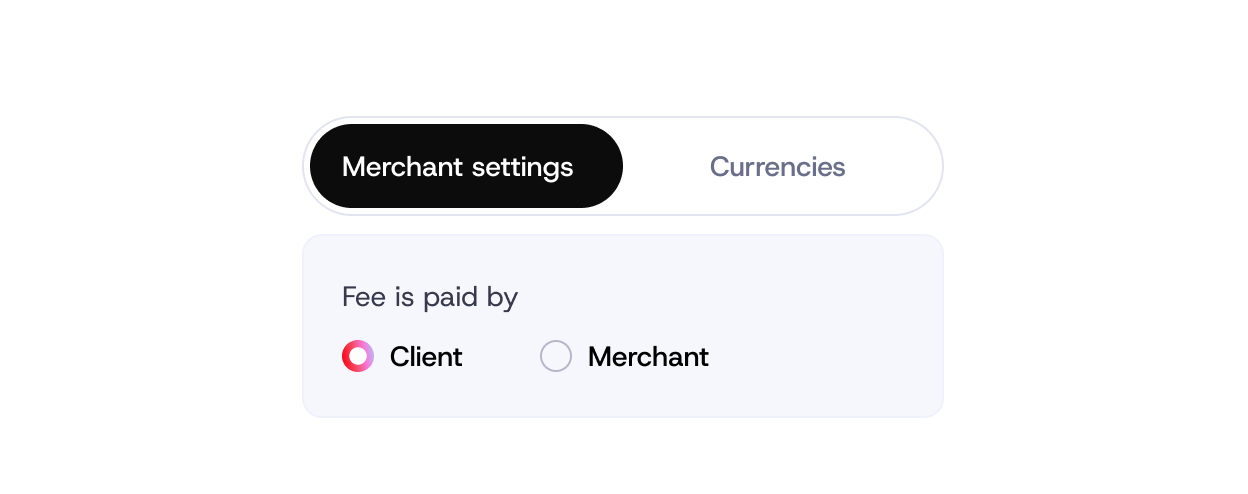
Who it is for

Retail and e-commerce
Absorb fees on the checkout so the customer pays exactly the price on the tag, or pass them on transparently.
iGaming and forex
Let players cover withdrawal fees while the house absorbs deposit fees — or the other way round for VIPs.
B2B
Invoices with fees added on top so the settled amount matches the quote to the cent.
How it works
Fee rules are set in the merchant dashboard under Settings › Fees, and can be overridden per invoice or through the API when creating a payment.
-

Choose a default
Merchant pays, customer pays, or split — for deposits and for withdrawals separately.
-

Refine by currency or network
Absorb sub-cent fees on Solana and Tron, pass on gas fees on Ethereum. Each coin and network can have its own rule.
-

Override per payment or invoice
Set the fee rule on a specific invoice or API request when a flow needs an exception.
-

See it in the numbers
Every transaction shows who paid which fee; exports separate network, processing and withdrawal fees.


Fee types
Network fees, processing fees, withdrawal fees — each with its own rule.
Who pays
Merchant, customer, or a percentage split.
Scope
Account default, per currency, per network, per invoice or API request.
Transparency
Fees shown to the customer at checkout when they cover them; itemised in your reports either way.

24/7 live human support
Real people around the clock — for onboarding, integration questions and anything that happens in production. No ticket queues, no bots.
Auto conversion for deposits and withdrawals
Eliminate exposure to market volatility by automatically converting deposited and withdrawn coins into the chosen asset.
Advanced role and permission management
Advanced role management with fully customizable approval and signature rules — teams define who can do what, when, and under which conditions. Security flows that match internal policies, governance models, and risk frameworks.
Custom checkout and invoice constructor
Fully customizable checkout experience and invoices built to match business requirements and brand identity.
Hassle-free reporting and transactions management
All the information and reporting tools in one place, with full control over transactions without the operational overhead.